Introducing any new technology, service, or protocol is bound to come with a few bumps, and RCS is no different. While the messaging world erupted in excitement at Apple’s announcement that it would start supporting RCS as of the iOS 18 update, the actual rollout and adoption has been met with a bit of confusion and more than a few questions.
Never fear—the experts at Bandwidth are here to answer some of the most frequently asked questions about RCS in 2025!
What is RCS?
Let’s take a step back and start with the basics. RCS stands for Rich Communication Services, and it’s a protocol that allows users to send and receive multimedia messages and access greater messaging functionality.
RCS combines the best of other messaging protocols and services, such as MMS, SMS, WhatsApp, iMessage, and Facebook Messenger, into a single experience accessible on your current mobile client.
RCS also allows businesses to access more options for direct interaction with customers. With RCS for Business, companies can give customers a full shopping experience right from their phones, including AI-enabled chats, unique multimedia browsing, and even secure payment.
What are some characteristics of RCS messaging?
Even casual messaging users should be able to detect the distinctive differences between RCS messaging and SMS or MMS messaging. First, the green bubble/blue bubble divide is gone, and Android and Apple users can now message each other without fear of social ostracization from the other side of the tech world.
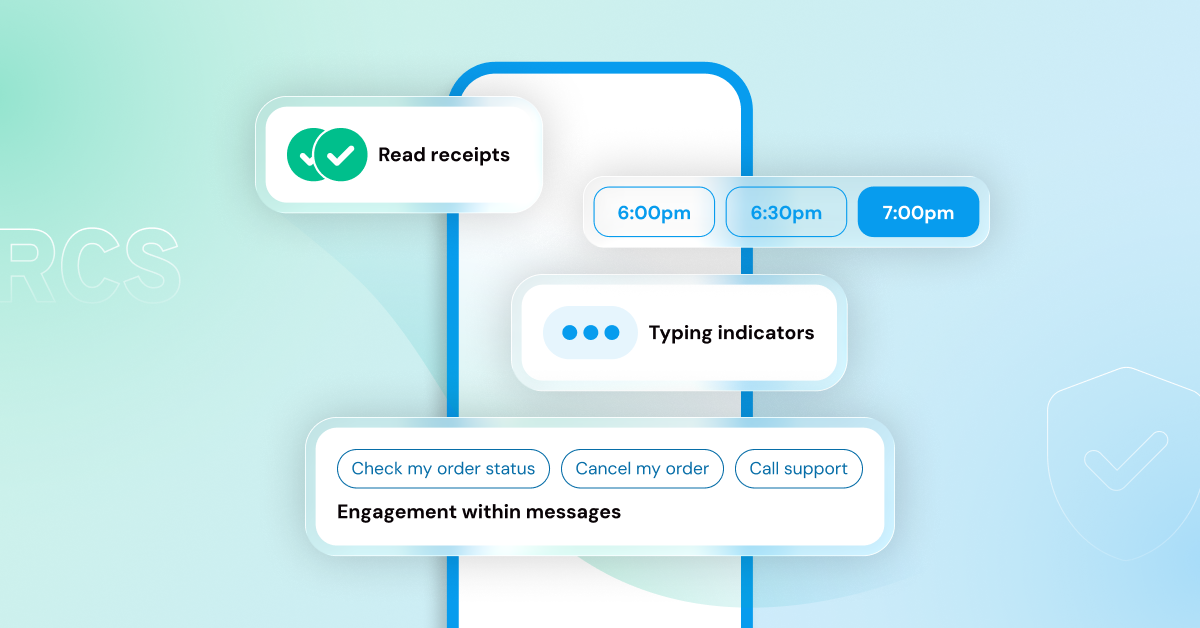
RCS messaging allows users to send multimedia messages and high-resolution images, and it gives both Android and Apple users access to reaction emojis, typing indicators, and read receipts.
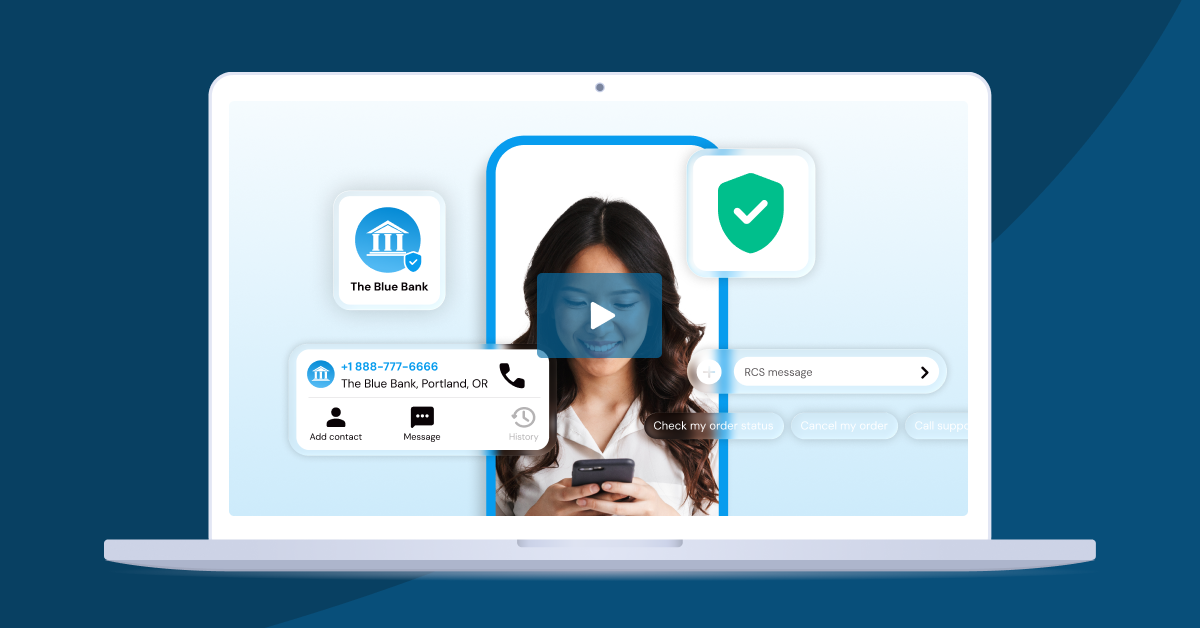
With RCS for Business, organizations of all kinds can take advantage of verified sending to build trust and brand recognition. Once an organization has authenticated its identity, it can use its logo and a blue checkmark to confirm its identity to recipients.
Finally, RCS messaging offers better security and encryption. In fact, when all parties in a conversation are using Google Messages, Google automatically supports end-to-end encryption (E2EE). Apple offers end-to-end encryption in iMessages by default and plans to support E2EE in cross-platform RCS chats soon.
Does Samsung Messages support RCS?
There has been some confusion about Samsung’s support for RCS within its proprietary messaging app. For some time, Google apps have been available on Samsung phones, but the default messaging app was Samsung Messages.
That changed when Samsung introduced its S24 phone models. On the S24, Google Messages was the default messaging app, and Samsung announced that it would no longer support RCS within its messaging app. In effect, Samsung and Google partnered to make Google Messages, with its integrated support for RCS, the default messaging app on Samsung phones.
While that could have been the final word on RCS support on Samsung phones, Samsung again reversed course with the introduction of the Samsung S25. S25 model users can download the Samsung Messages app with support for RCS.
Although it appears that Samsung is struggling to decide on long-term support for RCS within its own messaging app, the easy solution for Samsung users is just to switch to Google Messages with its embedded support for RCS.
What is RCS on an iPhone?
iPhone users with iOS 18 and above can enable RCS messaging through the Settings menu. Turning on RCS messaging will allow iPhone users to send and receive texts, high-resolution photos and videos, links, and other multimedia content with anyone—even Android users.
RCS also shows read receipts, delivery receipts, and typing indicators. Within iMessages, text bubbles appear blue, while RCS messages outside of iMessages appear green.
What does text message RCS mean on iPhone?
The support for RCS on iOS 18 and above means that iPhone users and Android users no longer have to settle for blurry videos and vague texts that someone “liked” a message. Apple and Android users can communicate clearly with high-resolution, multimedia texts and features like typing indicators and read receipts.
Although the rollout of iOS 26 does not include support for end-to-end encryption yet, Apple has indicated that a future update will adopt the GSMA RCS Universal Profile 3.0 specifications that include E2EE.
What is the difference in RCS between Android and iOS users?
Functionally, there isn’t much difference between RCS itself on Android devices vs. iOS devices. When users are communicating across platforms, they may still notice some hiccups in video quality. Certain features, like image carousels, display differently on iPhones vs. Androids. Some users prefer one style over another, but the basic functionality is the same.
Apple still distinguishes between messages that take place within the iMessage ecosystem and those that run across multiple ecosystems by maintaining its traditional blue for iMessages and green for messages from outside the iMessage ecosystem.
It’s likely that, as support for RCS increases, distinctions between Apple and Android phones will become less noticeable. What is certain is that Apple’s support for RCS changed the messaging landscape for the better and opened the door for both improved messaging between family and friends, increased options for organizations to connect with their audiences, and increasingly seamless customer experiences.
Want to learn more about how to maximize your messaging with RCS? Contact one of our Bandwidth messaging experts today!